

This dashboard is per agent. For activity rolled up across your whole organization, see the Usage page.
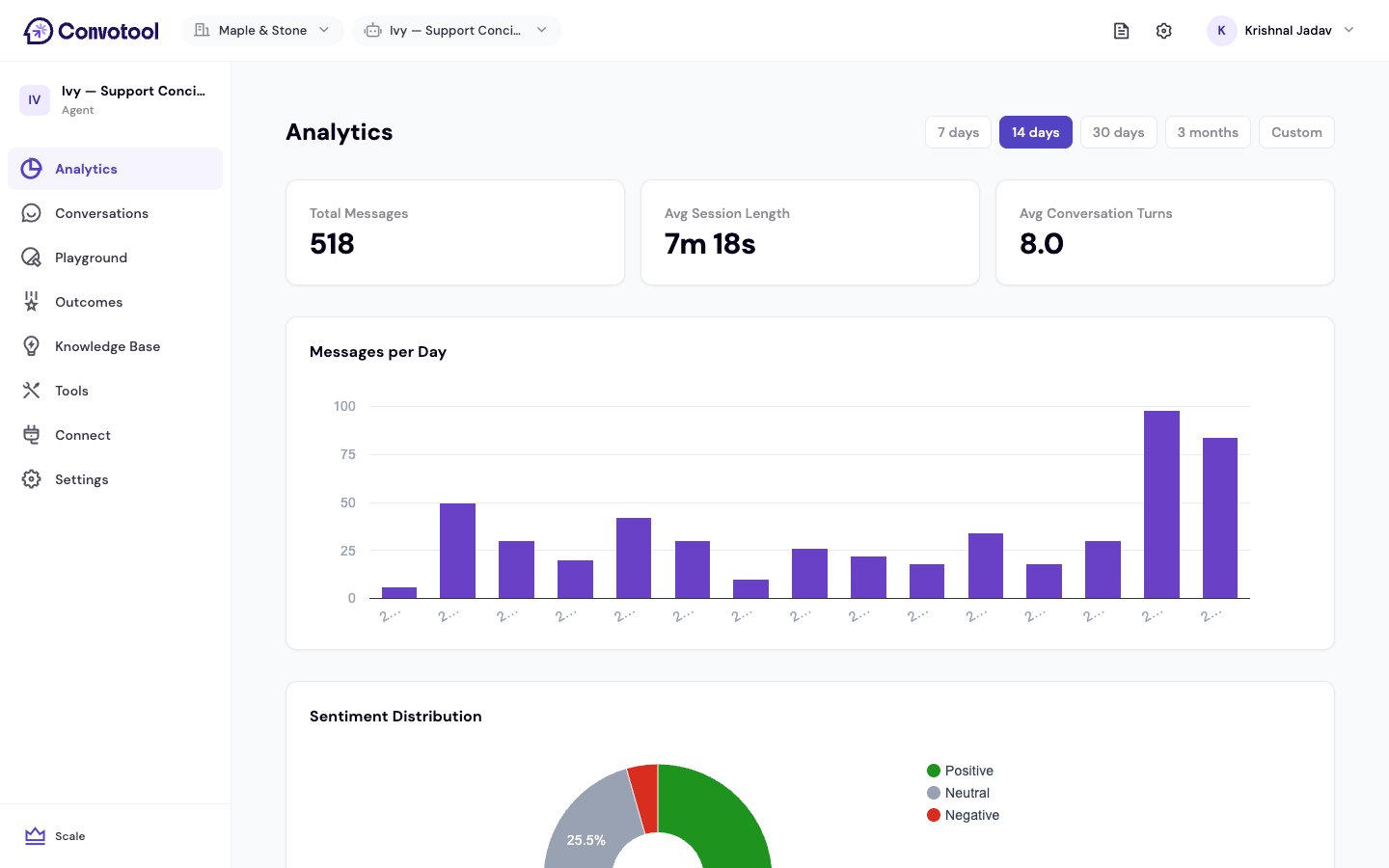
Key metrics
At the top you’ll see three summary cards:Charts
Date range
Use the filter at the top to focus on a period. Pick a preset — Last 7 days, 14 days, 30 days, or 3 months — or set a custom from and to date. Every metric and chart updates to match.Next: Track outcomes
Measure leads, bookings, and other results from conversations.