

Invite Team Members
1
Go to Members
Click Members in the sidebar from your organization dashboard.
2
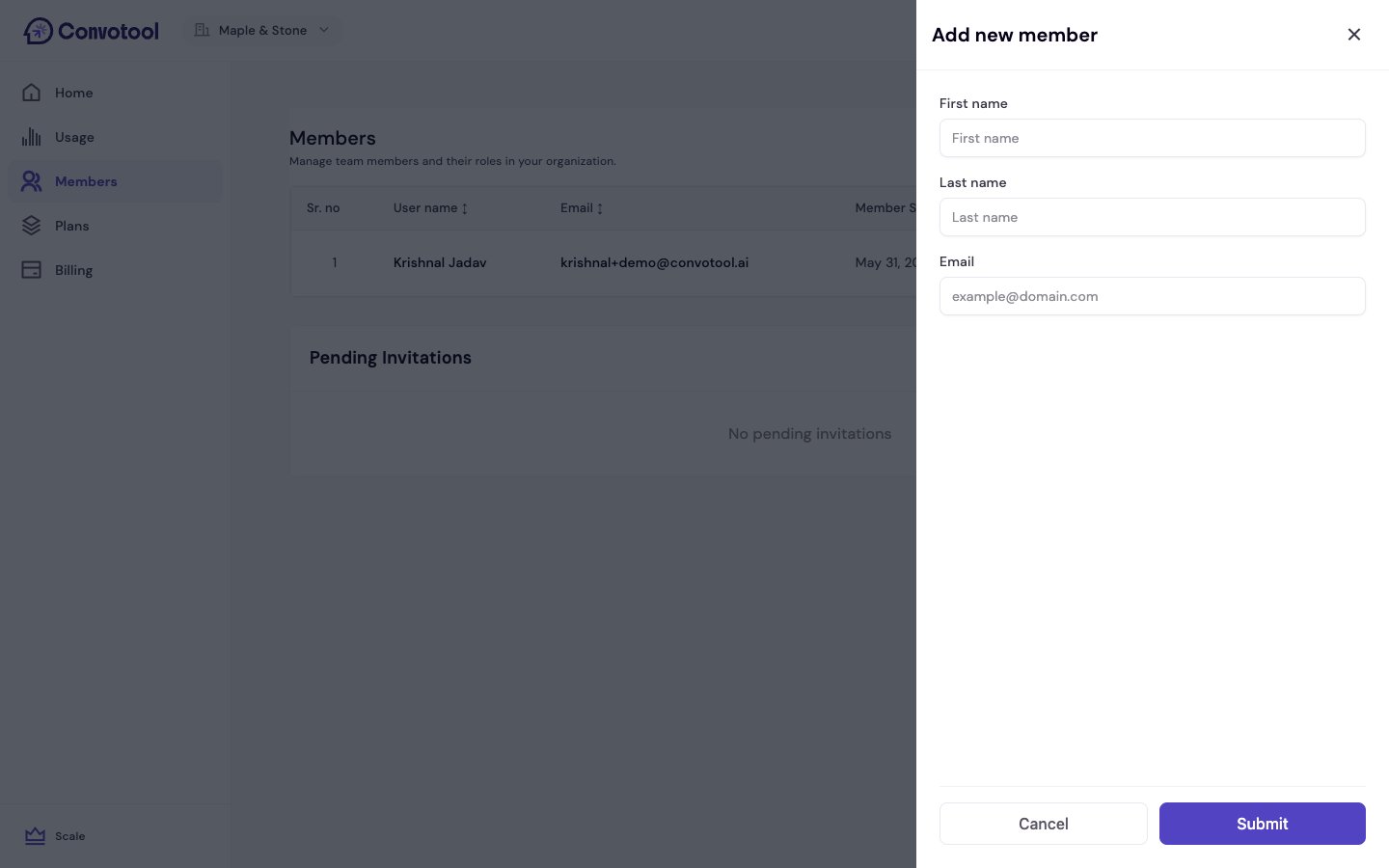
Send an invitation
Click Add Member, enter the person’s first name, last name, and email, and send the invite. They’ll receive an email with a link to join your organization. New members join as Member — you can adjust roles afterward.
3
They accept and join
Once they click the invitation link, they’ll create an account (or sign in) and automatically join your organization.
Invitations expire after 30 days. You can revoke a pending invitation and send a new one at any time.
Roles
Each team member has a role that determines what they can access:Managing Your Team
From the Members page, you can:- View all members — See who’s on your team and their roles.
- View pending invitations — See each invitation’s email, who sent it, when it was sent, and when it expires.
- Revoke invitations — Cancel a pending invitation before it’s accepted.
- Remove members — Remove someone from your organization (Owner and Admin only).
Next: Organization Settings
Manage your organization’s configuration.