

What gets recorded
Your agent records an outcome when a conversation meets one of the outcome conditions you defined. Each outcome is one of these types:The outcomes table
Each row shows:
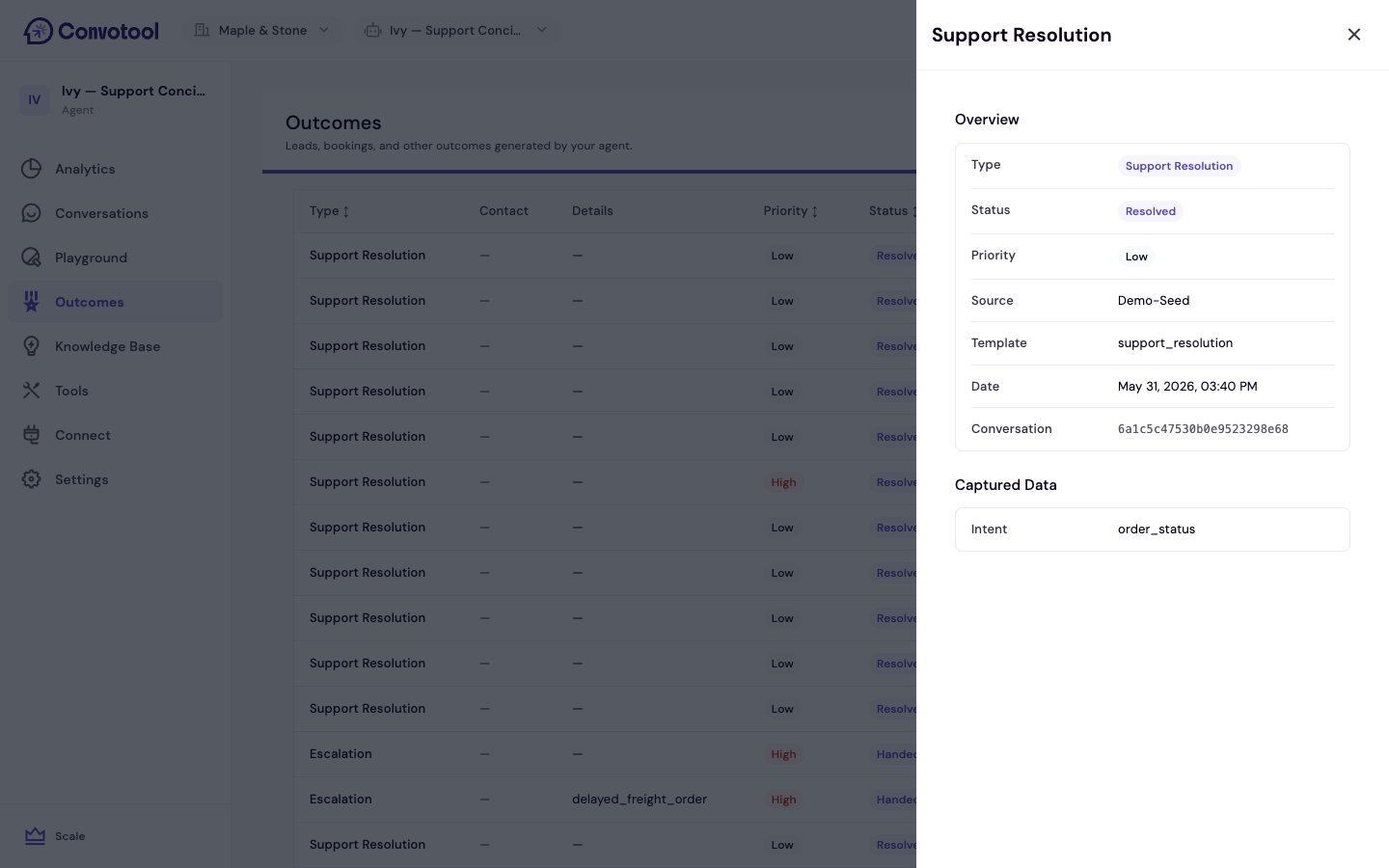
Click View details on any row to open a panel with the full overview (type, status, priority, source, date, and conversation ID) and all the data captured from the conversation.
Why outcomes matter
Outcomes connect conversations to real business results, so you can answer questions like:- How many leads did my agent capture this month?
- What share of conversations end in a booking?
- Is the agent converting better over time?
Next: Connect tools
Let your agent take actions that show up as outcomes.