

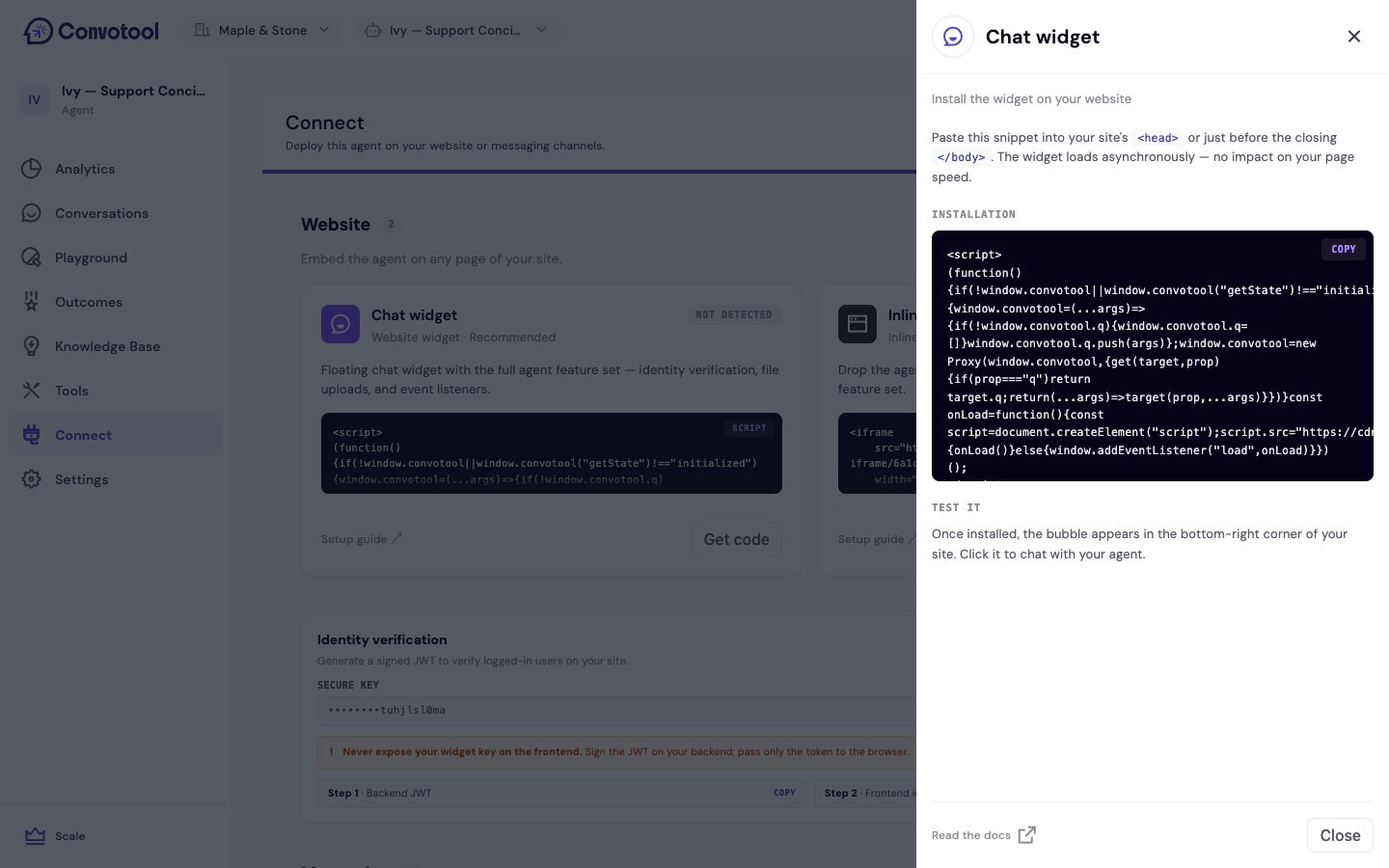
On your website
Chat Popup
A floating button in the corner of your site that opens the chat on click. Recommended for most websites.
Iframe Embed
Embed the chat directly into a page. Great for dedicated support or help pages.
On messaging channels
Slack, WhatsApp, Messenger, and SMS
Connect your agent to the channels your customers already use, with no extra code.
Customize and secure
Before going live, you can:- Customize the chat interface — match the widget to your brand.
- Verify user identity — securely identify logged-in users.
- Set visibility and rate limits — control who can use the agent and cap message volume.
Next: Chat Popup setup
Set up the recommended floating chat widget.