

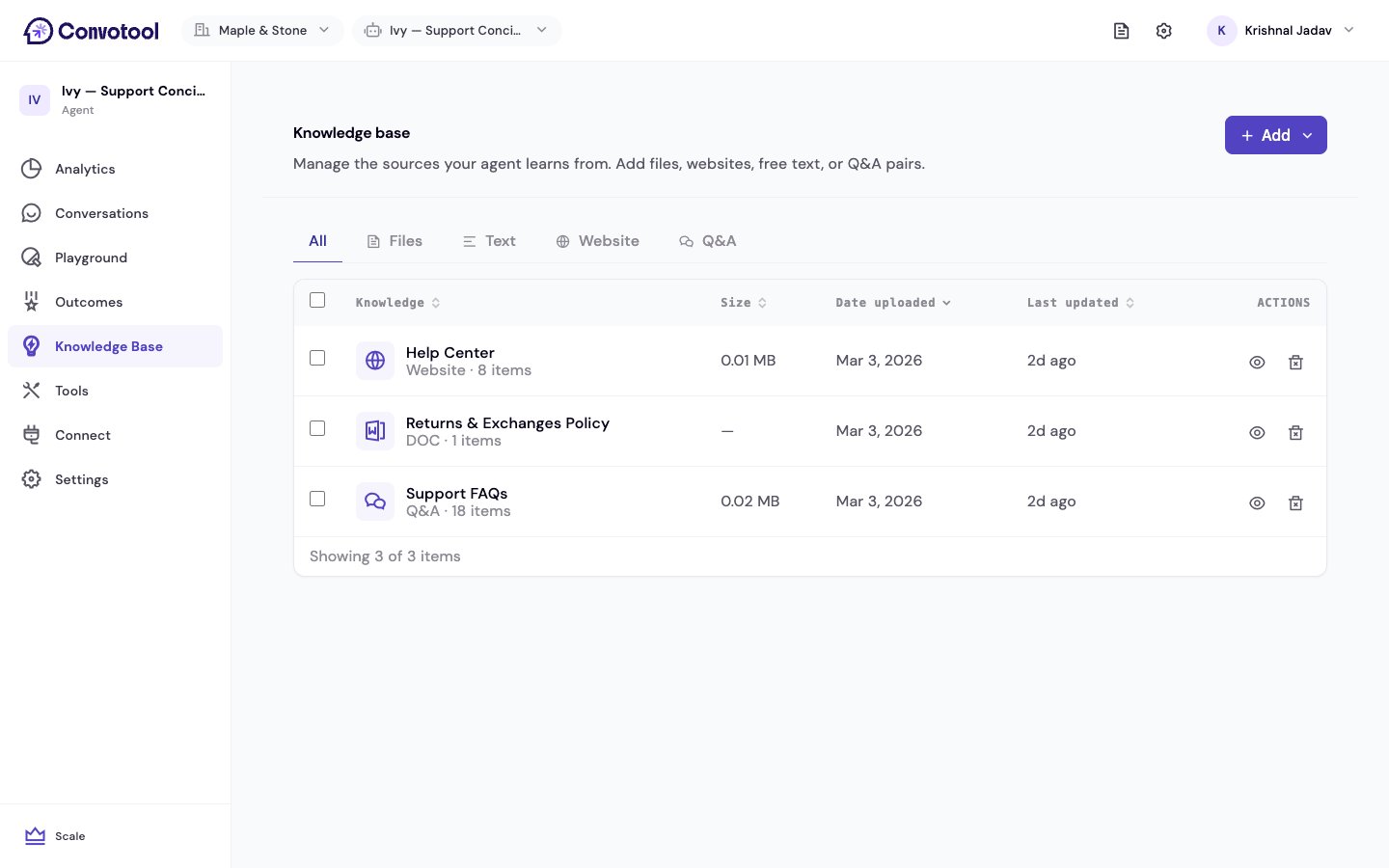
Ways to Add Knowledge
Upload Files
Upload PDF, DOCX, DOC, or TXT files. Perfect for existing documentation, manuals, and guides.
Scrape Websites
Enter your website URLs and ConvoTool automatically extracts the content. Great for pulling in your existing web pages.
Add Text
Paste or type content directly. Ideal for quick additions, custom instructions, or content from other sources.
Q&A Pairs
Create structured question-and-answer pairs. Best for FAQs and precise, controlled responses.
Manage what you’ve added
The Knowledge Base page lists every source training your agent, with its type, size, and processing status. From there you can sort, filter, inspect, and delete sources — see Manage knowledge sources. Usage bars show how much storage and how many tokens you’ve used against your limits — see Limits and usage.How It Works
When a visitor asks your agent a question, ConvoTool searches through your knowledge base to find the most relevant content, then uses the AI model to craft a natural, helpful response based on that content.Your agent only answers based on what it knows from the knowledge base. If it can’t find relevant information, it lets the visitor know rather than making up an answer.
Tips for a Great Knowledge Base
- Start with your FAQ — The questions customers ask most often are the best place to start.
- Keep content current — Update your knowledge base when your product, pricing, or policies change.
- Be specific — Detailed, well-organized content produces better answers than vague overviews.
- Use multiple sources — Combine uploaded files, scraped web pages, and Q&A pairs for comprehensive coverage.
- Review and refine — Check your agent’s responses in the Playground after adding new content.
Next: Upload Files
Start training your agent with your existing documents.