

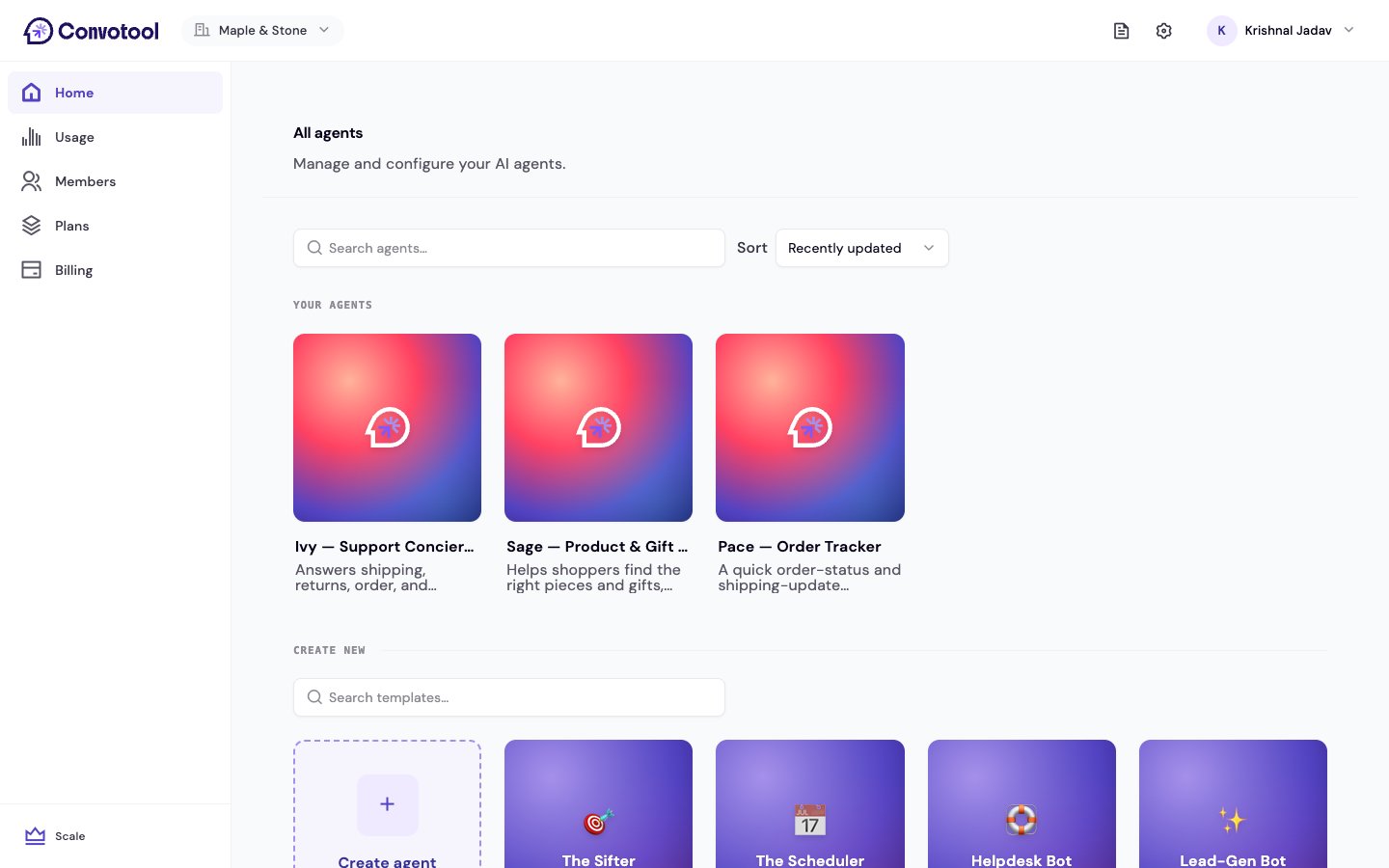
Find templates
Templates live on your Home dashboard, below your existing agents. You can:- Search by name or tag to find a template quickly.
- Browse by category — templates are grouped by purpose, such as sales, support, and operations.
Preview before you use one
Hover a template card and click Preview to see a sample conversation showing how that agent behaves. If it fits, click Use this template to start building.Use a template
1
Pick a template
Click Use this on a template. It opens the create-agent wizard pre-filled with the template’s settings.
2
Add your business details
Fill in your company information and any template-specific fields. The template’s goals, outcomes, and recommended tools are already configured for you.
3
Customize and deploy
Adjust anything you like in the wizard, then deploy. Every setting remains editable later in Agent settings.
Some templates — such as Lead Qualifier and Booking Agent — add an extra Agent Config tab with settings tailored to what they do. See Template settings.
Template vs. custom agent
Next: Train your knowledge base
Make your agent smarter by adding your business content.