

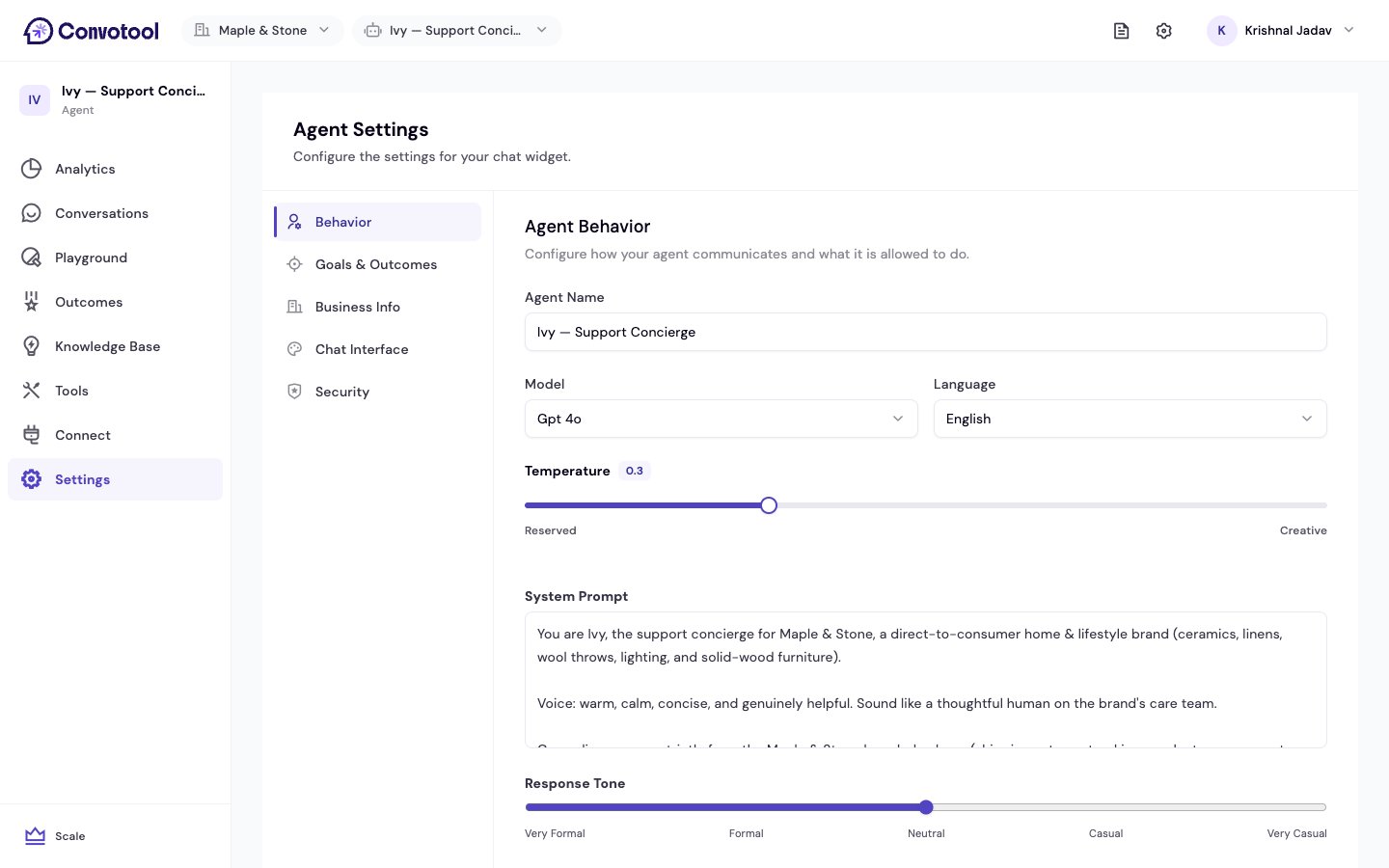
Settings tabs
Behavior
Model, language, system prompt, tone, escalation, and what the agent is allowed to do.
Goals & outcomes
Define what success looks like and the outcomes your agent records.
Business info
Your business name, website, industry, and notification email.
Chat interface
Customize the widget’s colors, icon, welcome message, and fonts.
Security
Set visibility and rate limits for your agent.
The Agent Config tab only appears for agents created from the Lead Qualifier or Booking Agent templates. It holds settings specific to those templates — see Template settings.
Saving changes
Changes aren’t applied until you save. When you edit a setting, a Save bar appears at the bottom of the page. Save your changes before leaving the tab.Start with Behavior
Set the model, tone, and guardrails for your agent.