

Identity verification works with the chat popup only — it relies on the widget’s JavaScript API and is not available in the iframe embed.
Why use it
- Personalized responses — the agent can greet users by name and reference their account details.
- Security — prevents users from impersonating others in chat.
- Better records — conversations are tied to a verified identity, not just an anonymous session.
How it works
You sign a token on your backend with your agent’s widget key, then pass that token to the widget in the browser.1
Copy your widget key
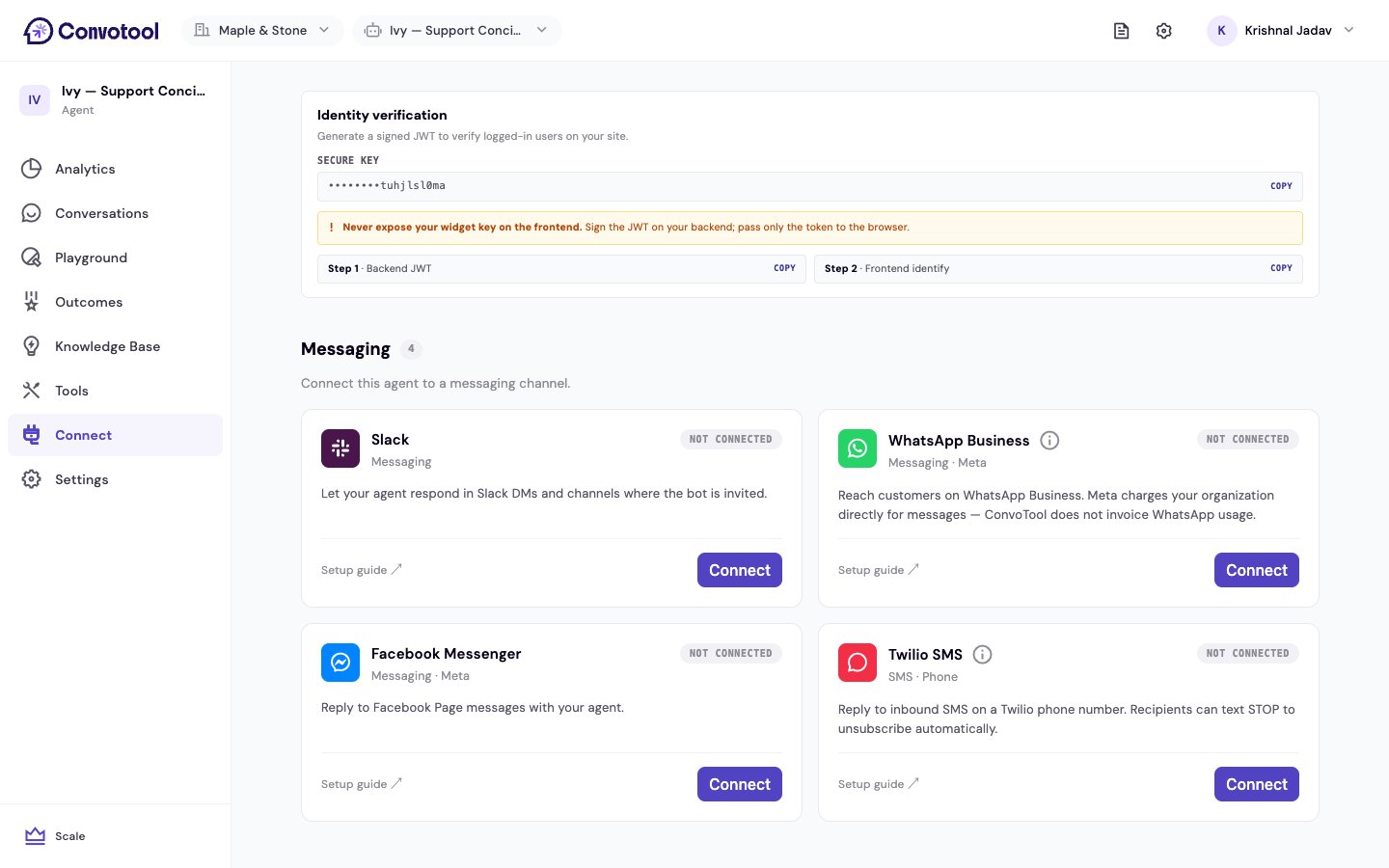
On the agent’s Connect page, find the Identity verification section and copy the widget key.
2
Sign a token on your backend
Generate a signed JWT for each logged-in user. Include their ID, name, and any metadata you want the agent to know:
3
Identify the user in the browser
Pass the token to the widget, and clear it when the user logs out:
When to use it
Identity verification is optional. Use it when your site has user accounts and you want personalized chat, when you need to tie conversations to a verified user, or when you want to prevent anonymous abuse. If your site has no accounts, you can skip it — your agent works for anonymous visitors too.Next: Visibility & rate limiting
Control who can use your agent and cap message volume.