

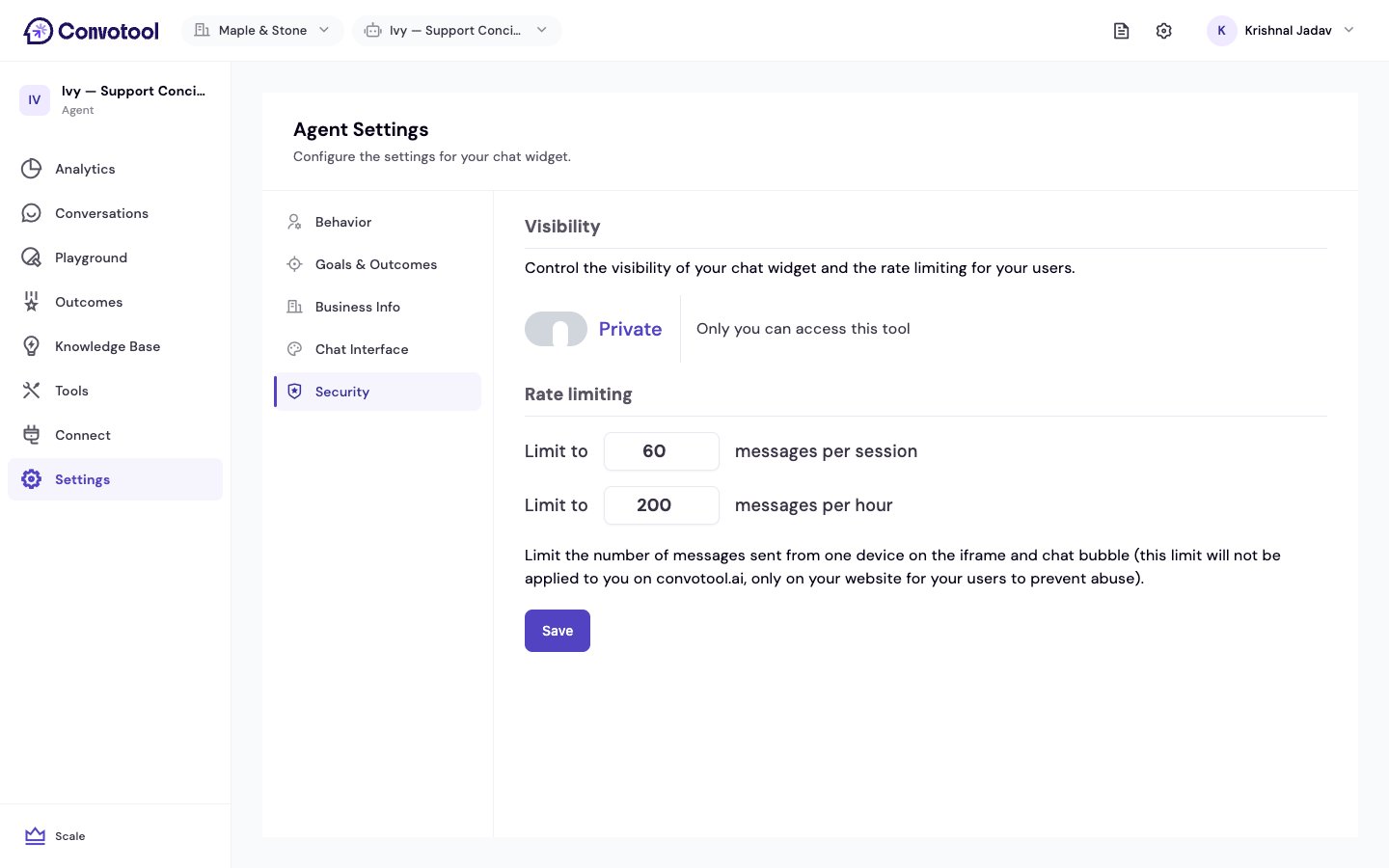
Visibility
Rate limiting
Cap how many messages a single visitor can send so a single user — or a bot — can’t run up your usage.Rate limits apply to your agent on your website — the embedded chat popup and iframe. They do not apply to you when you test the agent on convotool.ai.
Next: Deploy to messaging channels
Take your agent beyond the website to Slack, WhatsApp, and more.