

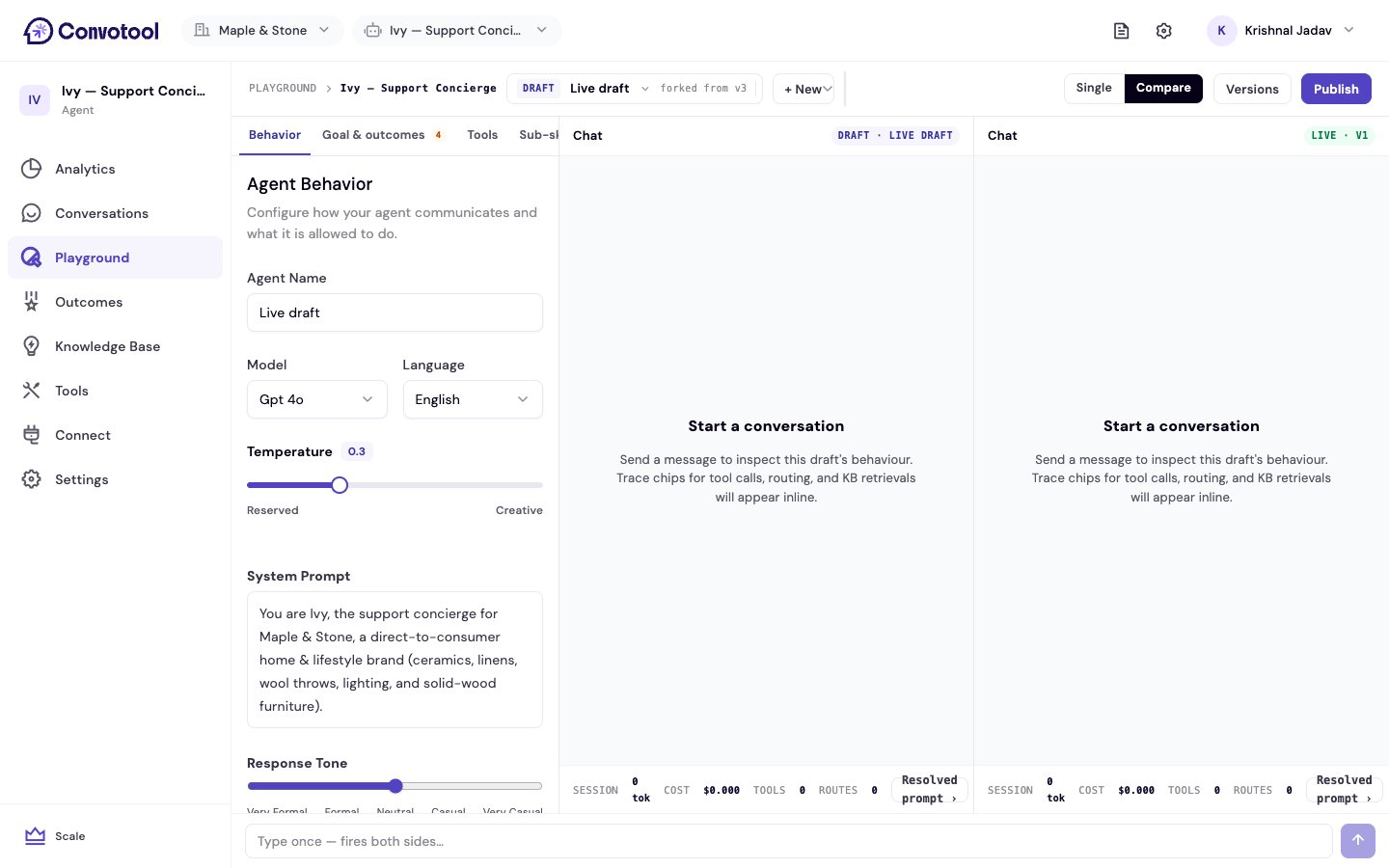
Turn it on
Use the Single / Compare toggle in the top bar. In compare mode, the chat area splits into two panels:- Your draft on one side.
- A second version on the other — either another draft or the live agent.
One message, two answers
A single message box sits below both panels. When you send a message, it goes to both versions at once, and each replies in its own panel. That makes it easy to judge a change head to head — a different model, a reworded prompt, or a new set of tools.Next: Versions & rollback
Review published versions and roll back.