

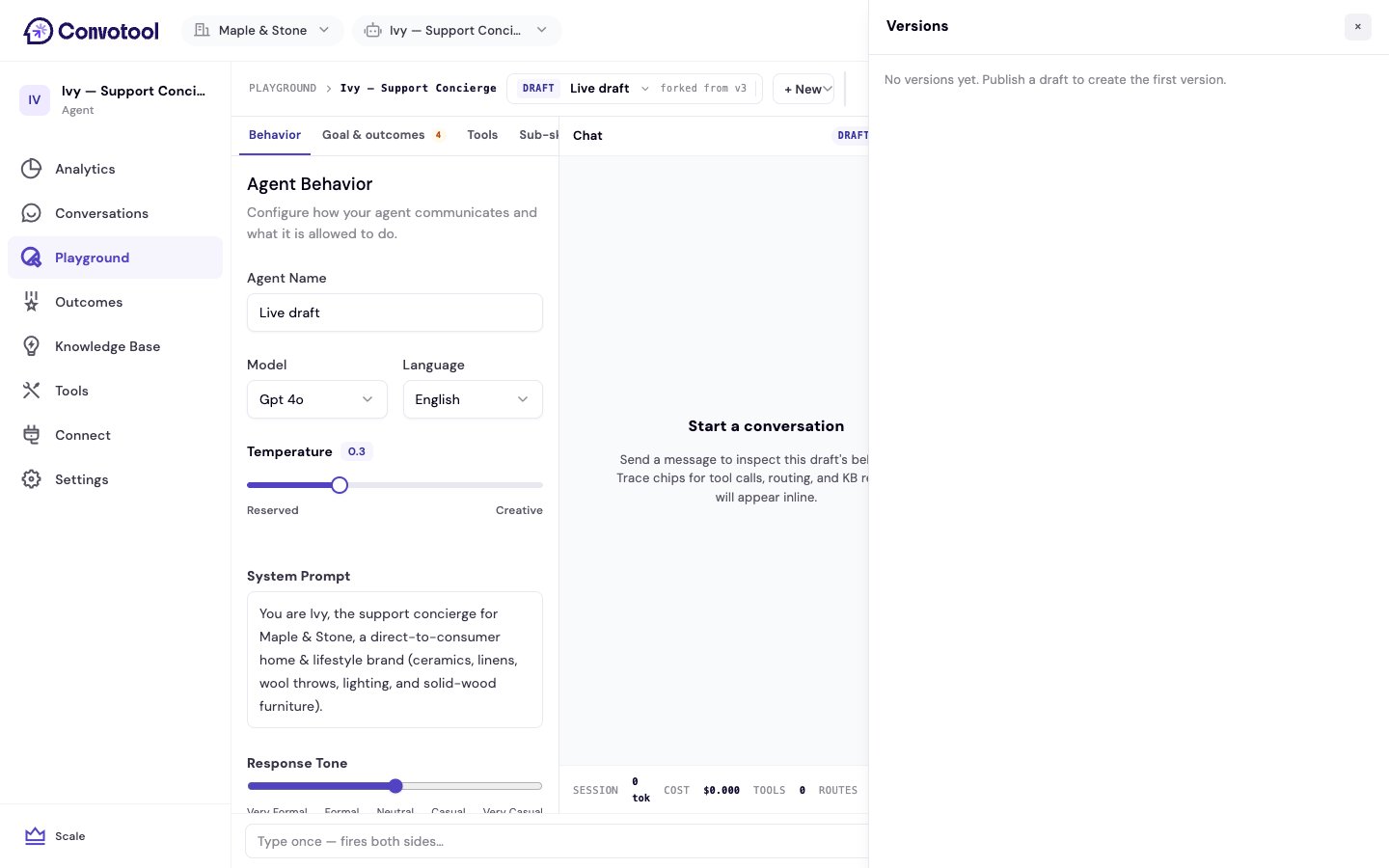
View version history
Click Versions in the Playground top bar to open the versions panel. Each entry shows:- The version number
- A summary of what changed
- Who published it
- The date
Compare a version
Click View diff on any version to see exactly what’s different between it and the current live agent.Roll back
To return to an earlier configuration, click Fork as draft on the version you want. This creates a new draft from that historical snapshot. Test it in the Playground, then publish it to make it live again.Next: Trace & debug
Understand exactly how the agent produced a response.