

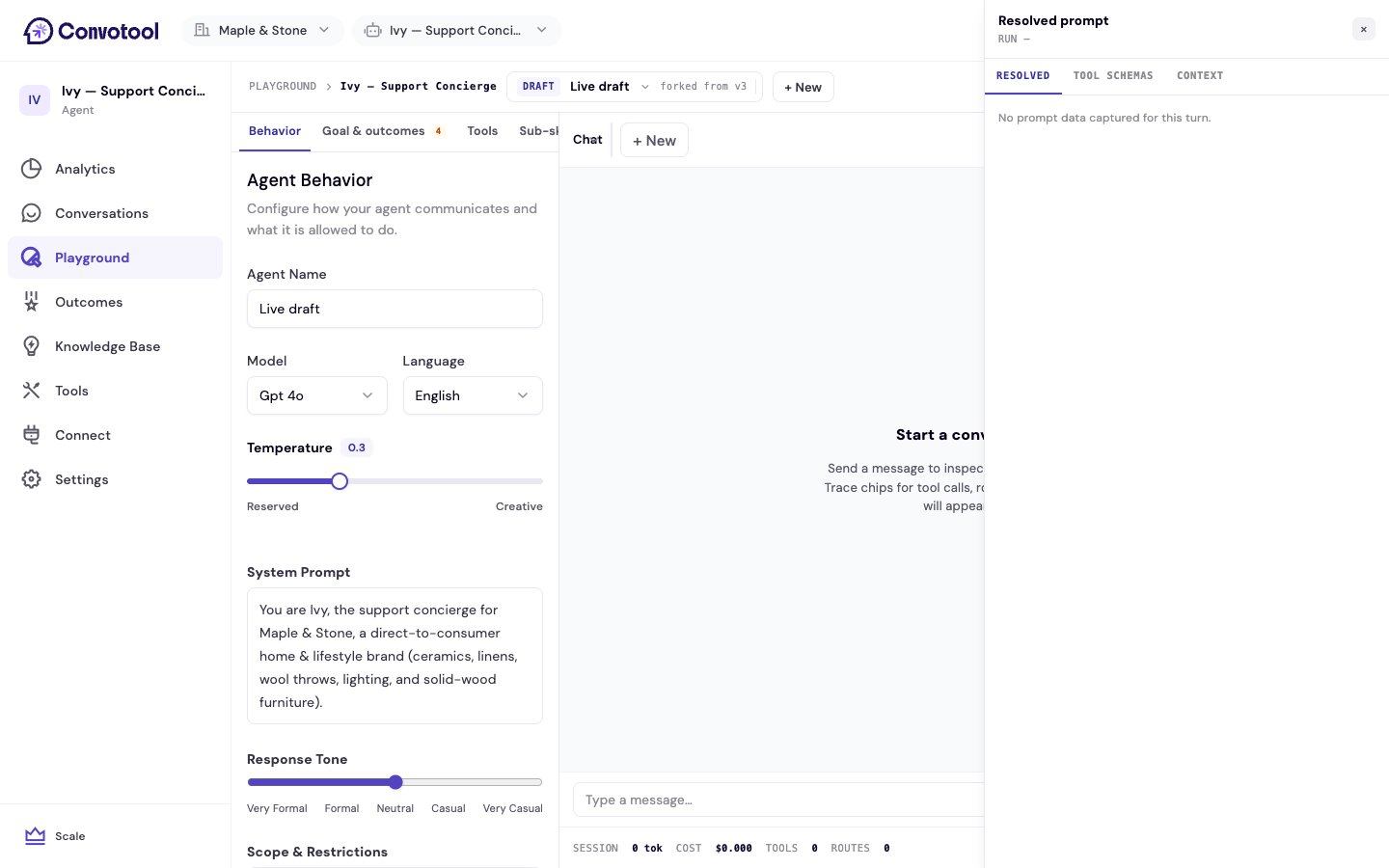
Trace chips
Each agent reply can show inline trace chips that summarize what happened on that turn:- Tool calls — which tools ran and what they returned
- Routing — how the message was routed
- Knowledge retrieval — that the agent pulled from your knowledge base
- Escalation — that the conversation was flagged for a human
- Errors and fallbacks — when something went wrong and how the agent recovered
Resolved prompt drawer
Click any agent reply to open the resolved prompt drawer. It has three tabs:Cost footer
At the bottom of the chat panel, a cost footer shows the session’s token usage, cost in USD, number of tool calls, and number of routes — so you can see how configuration changes affect cost as you test.Back to Playground
Return to the Playground overview.