

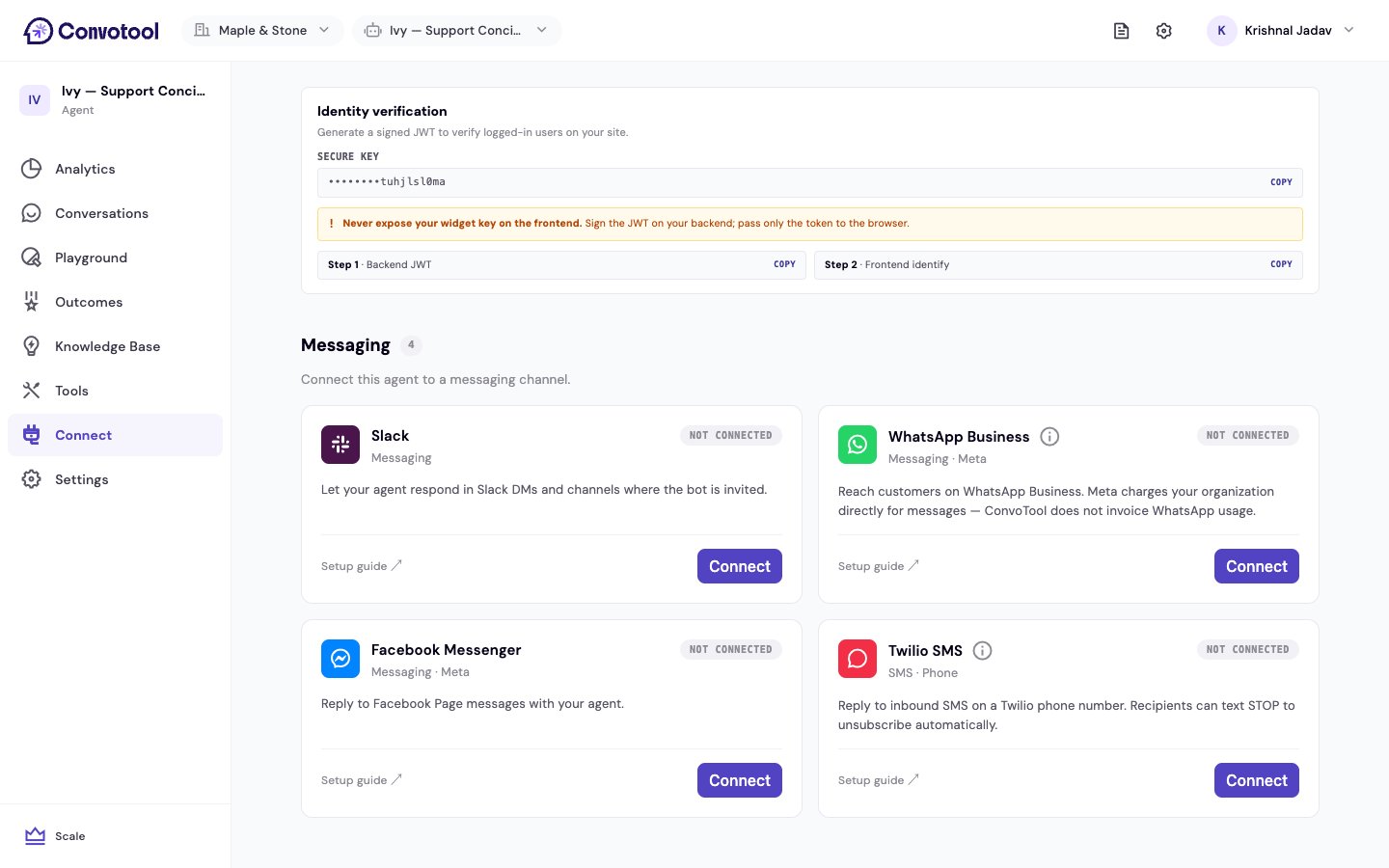
Available channels
Slack
Reply in Slack DMs and any channel the bot is invited to.
WhatsApp Business
Reach customers on WhatsApp through Meta’s Business Platform.
Facebook Messenger
Answer messages sent to your Facebook Page.
Twilio SMS
Reply to inbound text messages on a Twilio phone number.
How connecting works
1
Open the Connect page
Select your agent from the dashboard and click Connect in the sidebar, then scroll to the Messaging section.
2
Choose a channel
Click Connect on the channel you want. ConvoTool walks you through authorizing the channel — through an OAuth window (Slack, Messenger), Meta’s signup flow (WhatsApp), or by entering credentials (Twilio SMS).
3
Your agent goes live
Once connected, the agent automatically replies to messages on that channel. No code or extra deployment step is required.
What to know before you connect
- One agent per destination. Each Slack workspace, WhatsApp number, Facebook Page, or Twilio number can be linked to a single agent. If the destination is already connected to another agent, ConvoTool asks you to confirm a Replace and connect before switching it over.
- Connection status. Each channel card shows its current state:
- Disconnecting stops the agent from replying on that channel. ConvoTool asks you to confirm before disconnecting.
Start with Slack
Connect your agent to a Slack workspace in a few clicks.